Updating your Mods in Vintage Story
- Select
Vintage Storyin the software list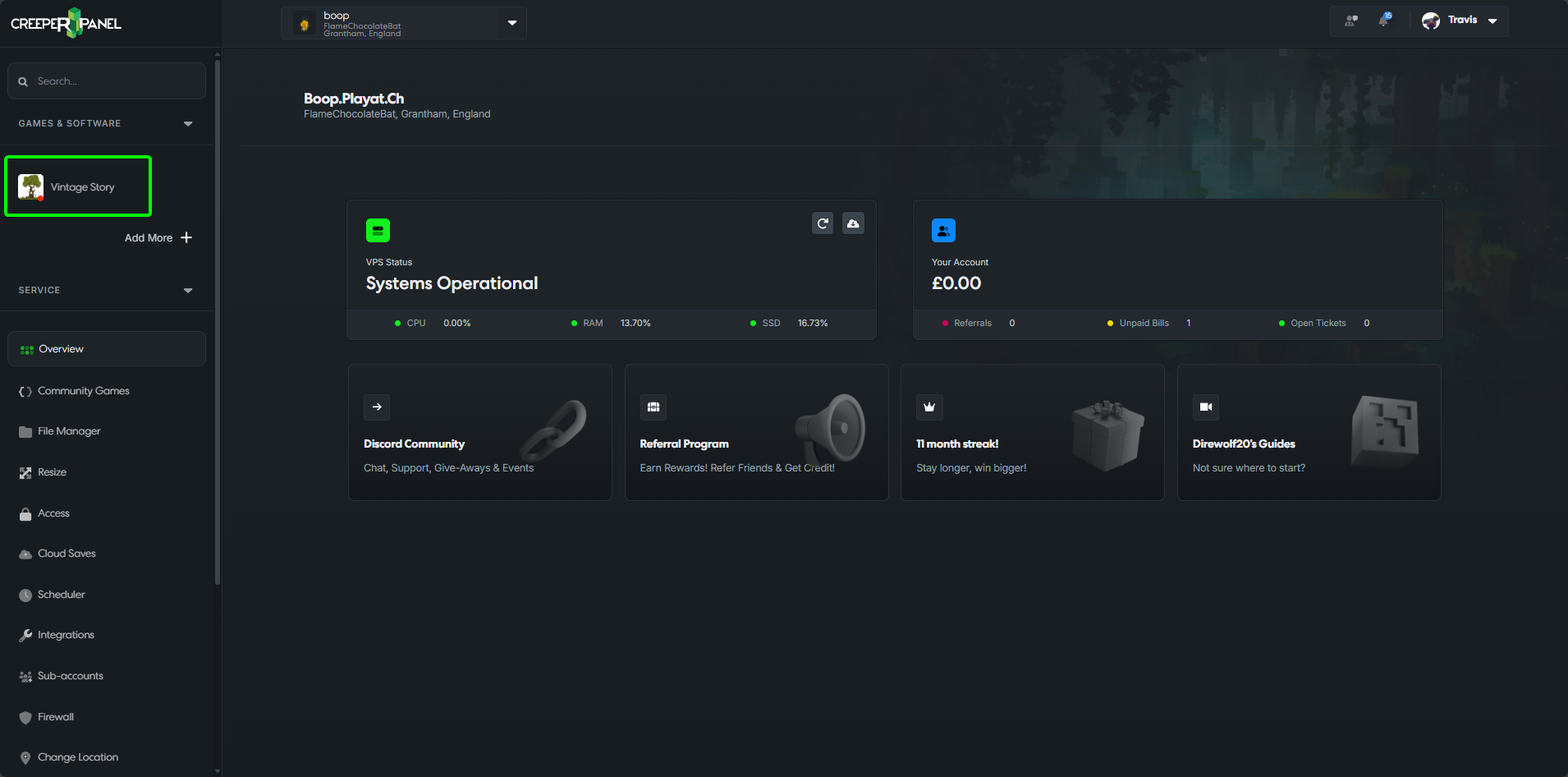
- Make sure to stop your server
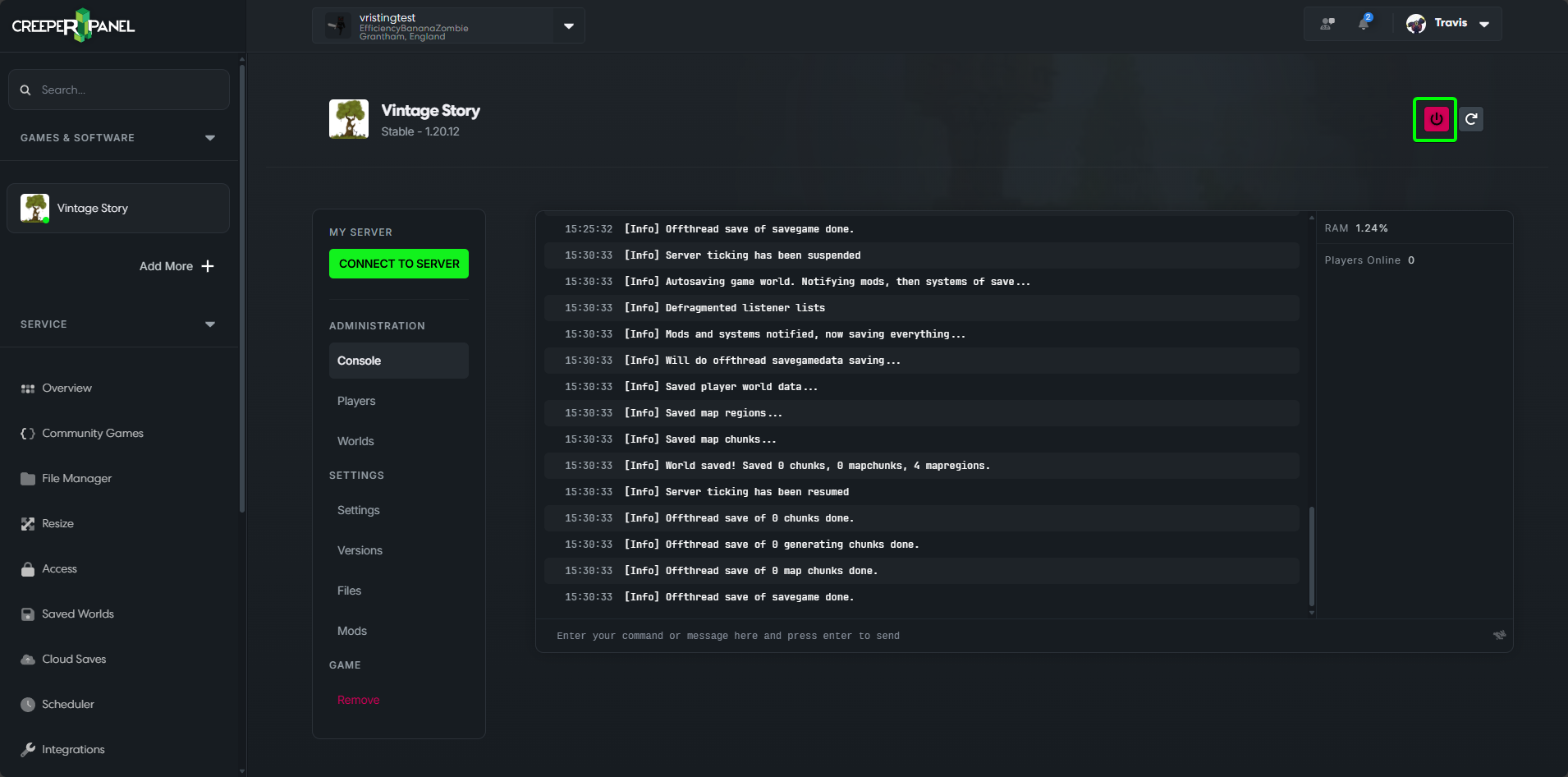
- Select
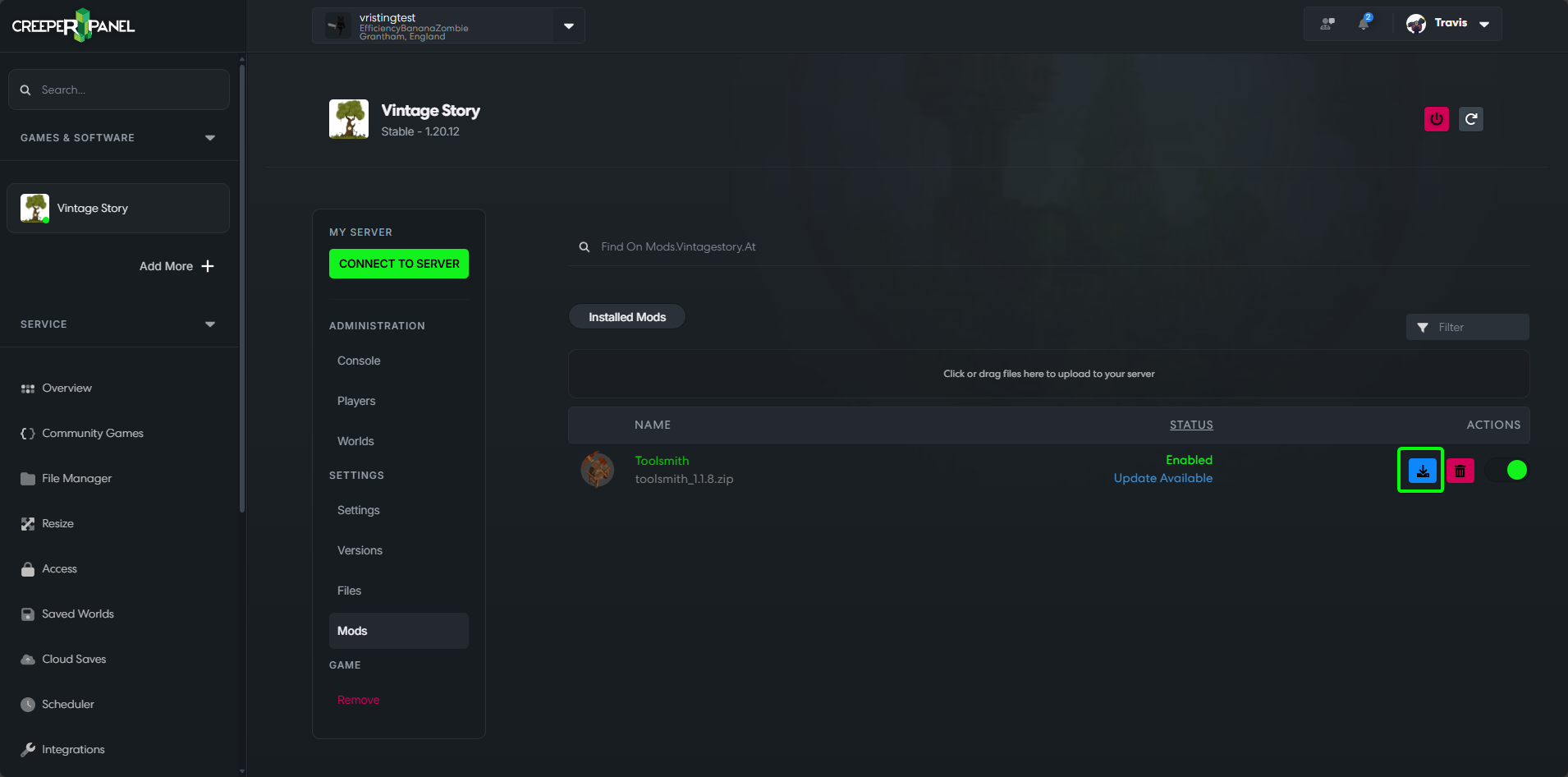
Mods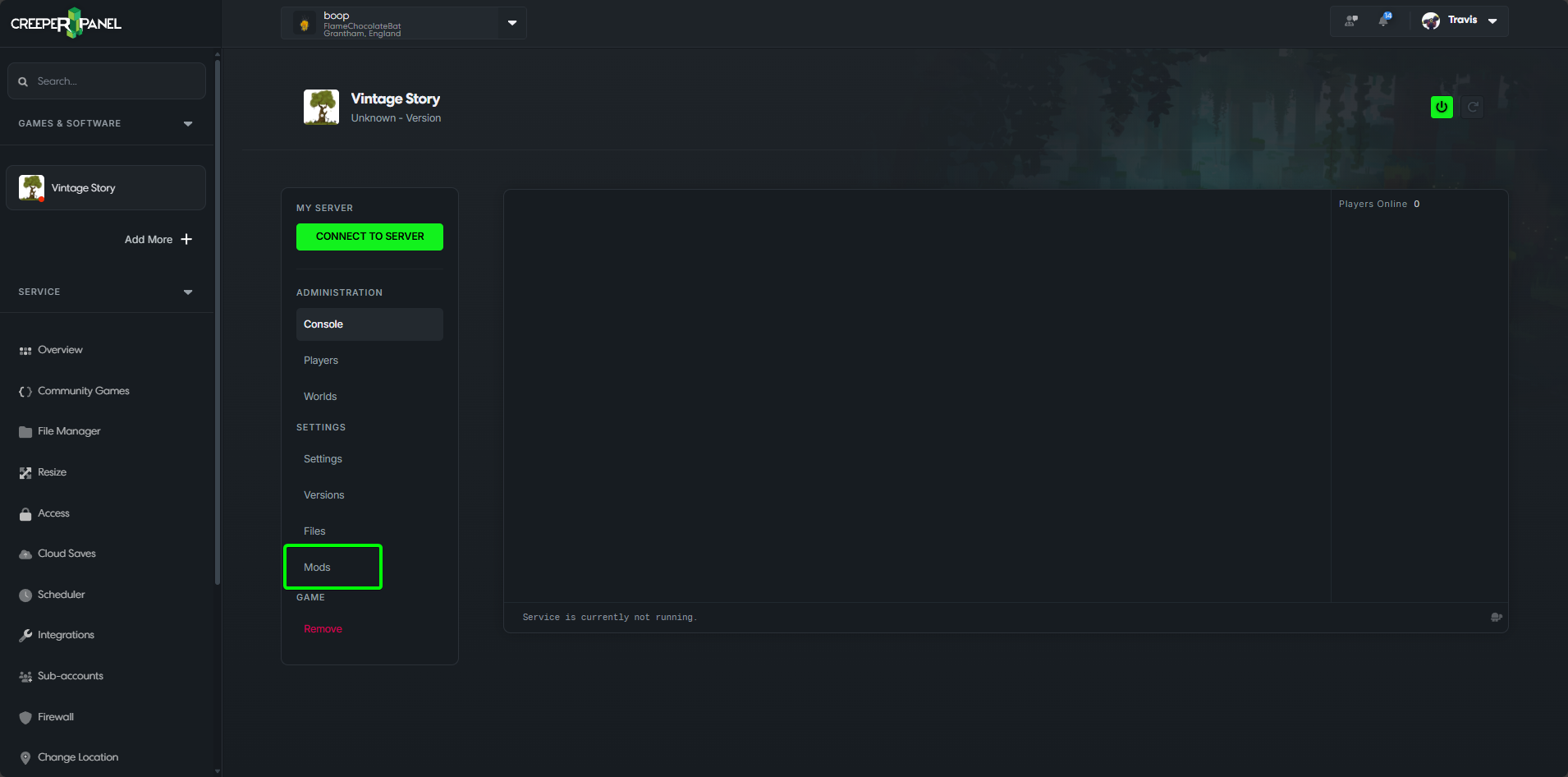
- If a mod has an update you should see an 'Update Available' message
info
The CreeperPanel will only show updates to mods that are compatible with version of Vintage Story your server has installed
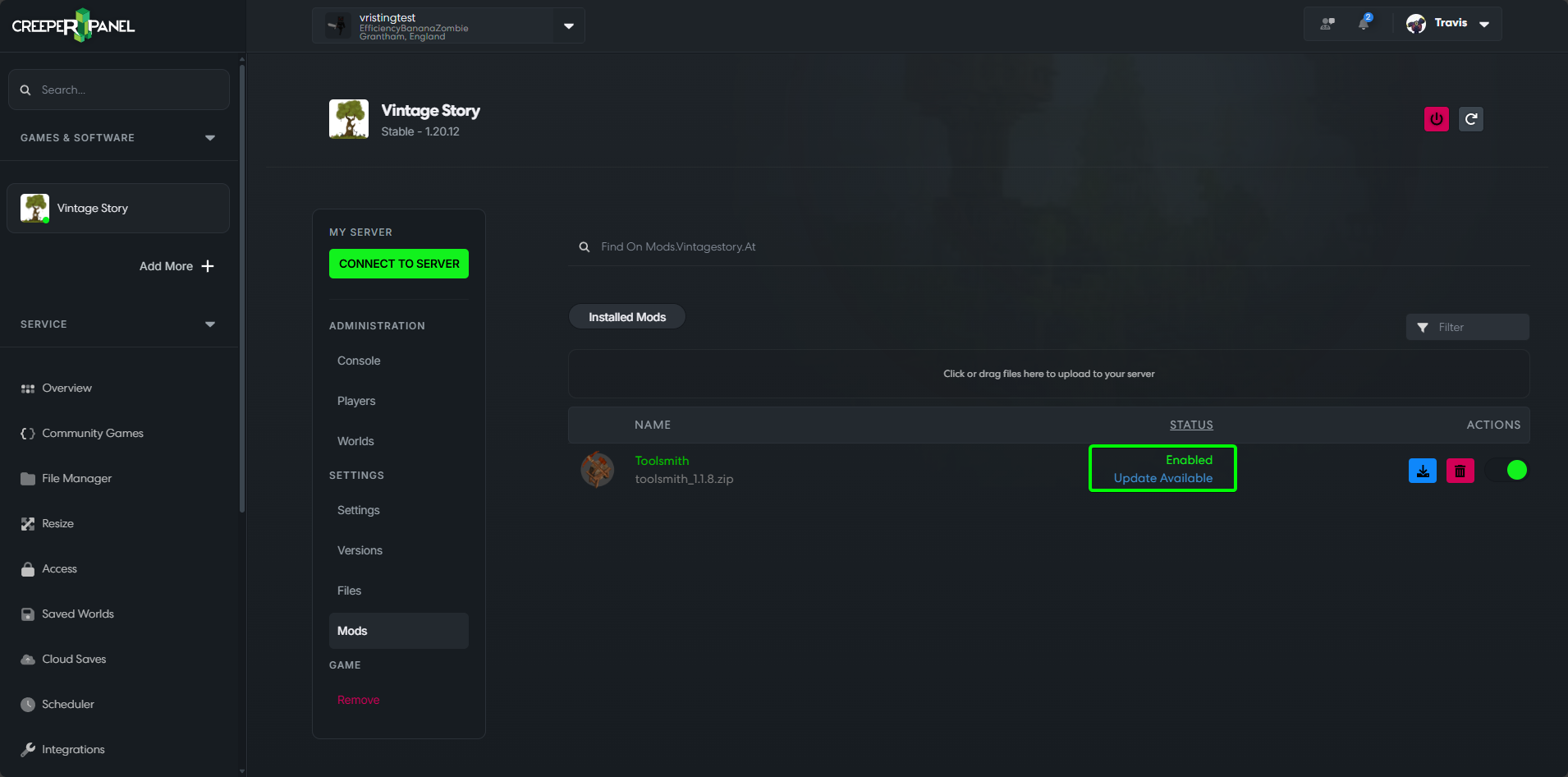 5. Click on the
 Update button
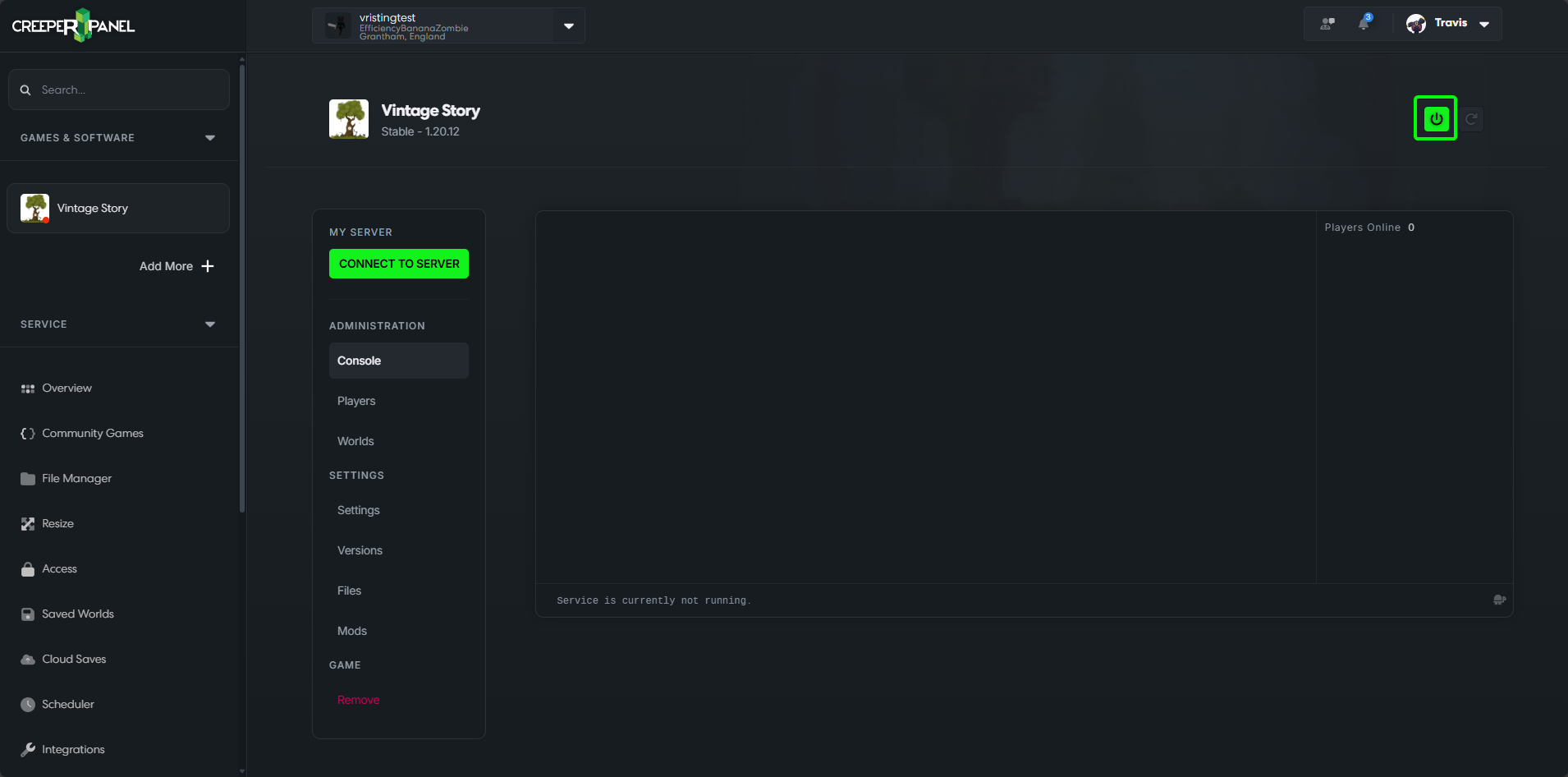
 6. Start the server
That's it, The mod has now been updated