Fixing broken world saves
info
This is a feature added by Vintage Story itself; this will only work with corrupted world data.
-
Stop the server using the stop button on the Panel.
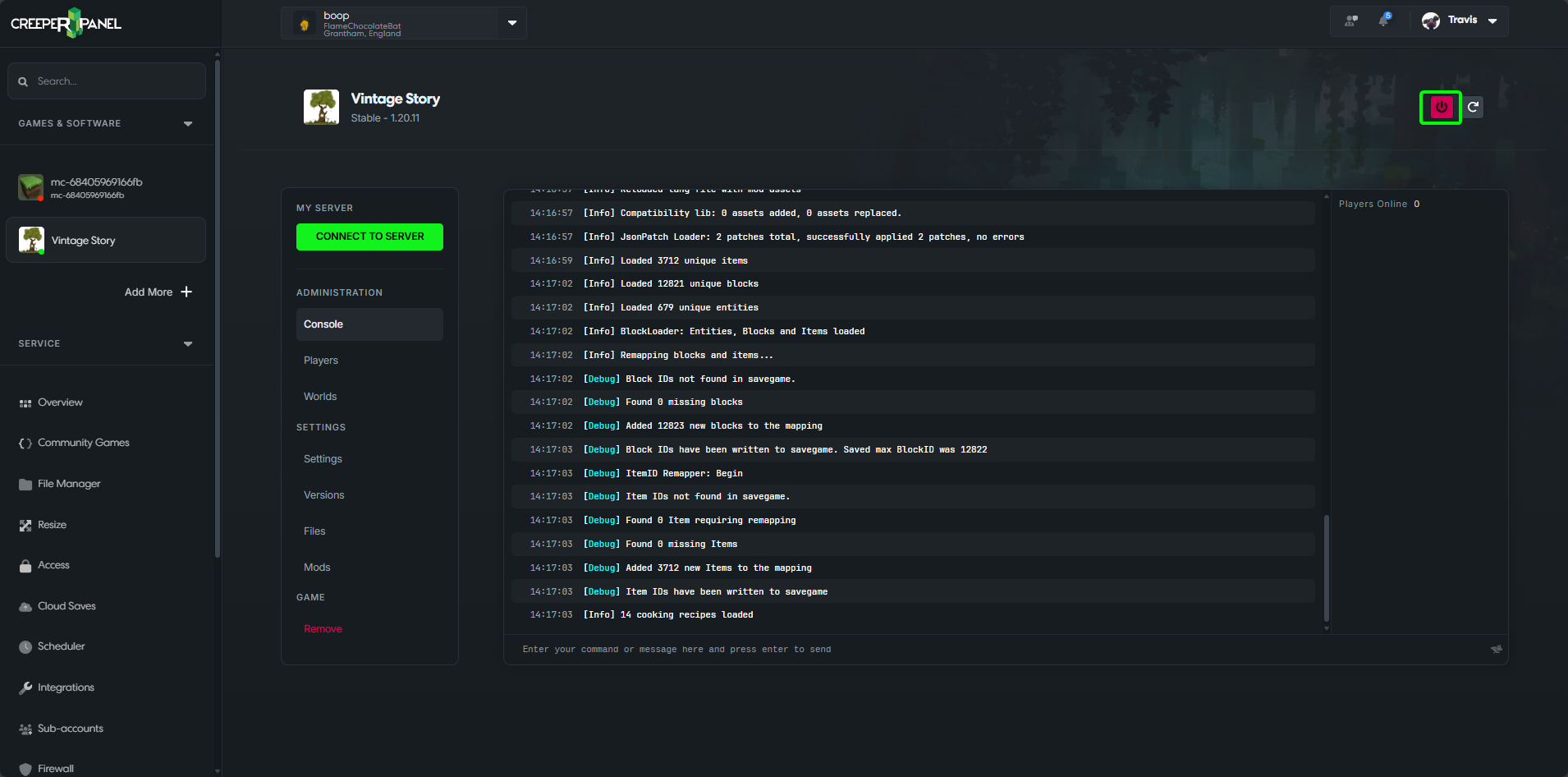
-
Select
Settingson the Panel.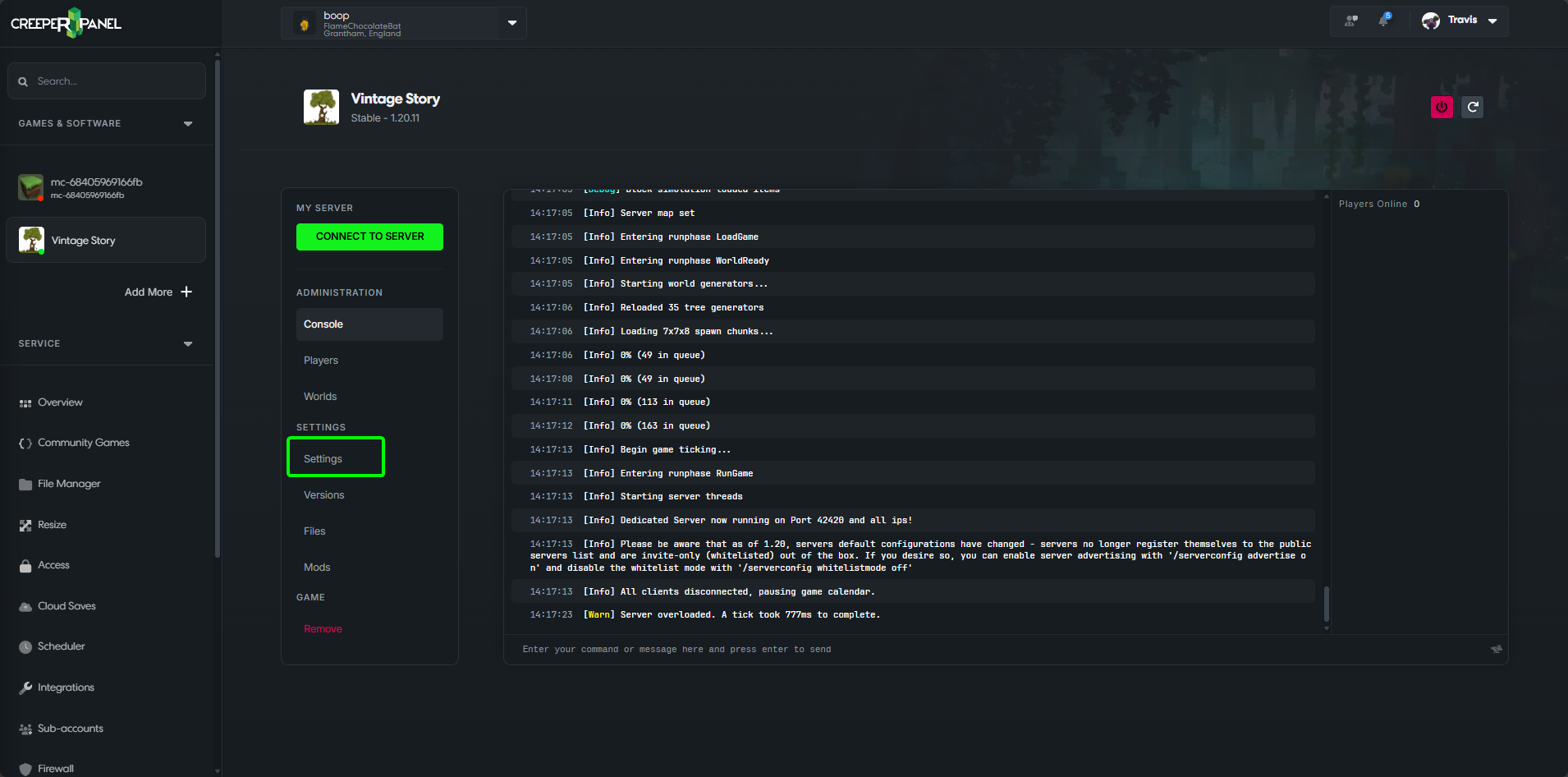
-
Select the
Worldcategory at the top of the settings.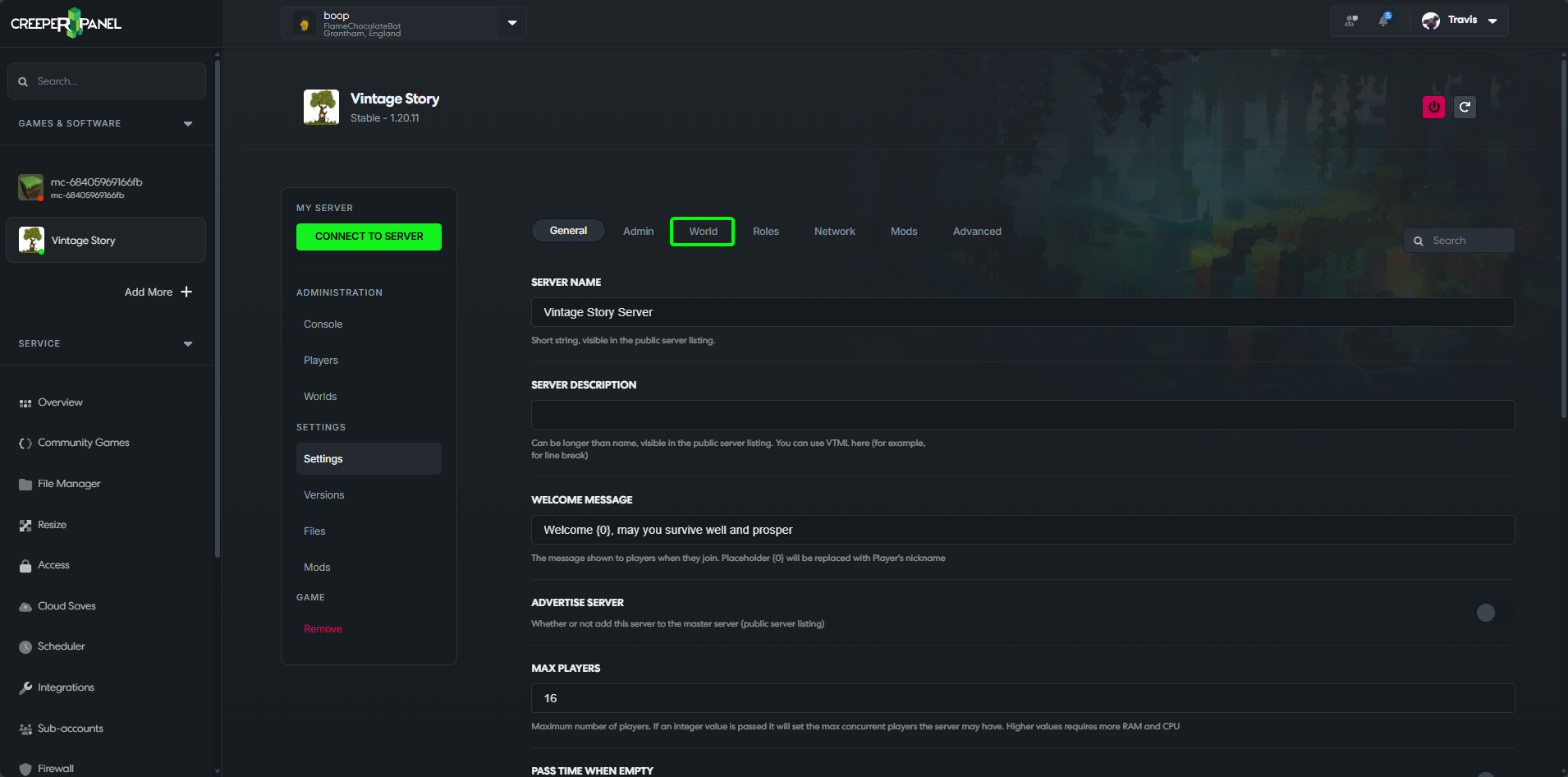
-
Scroll down until you find the
Repair Worldoption.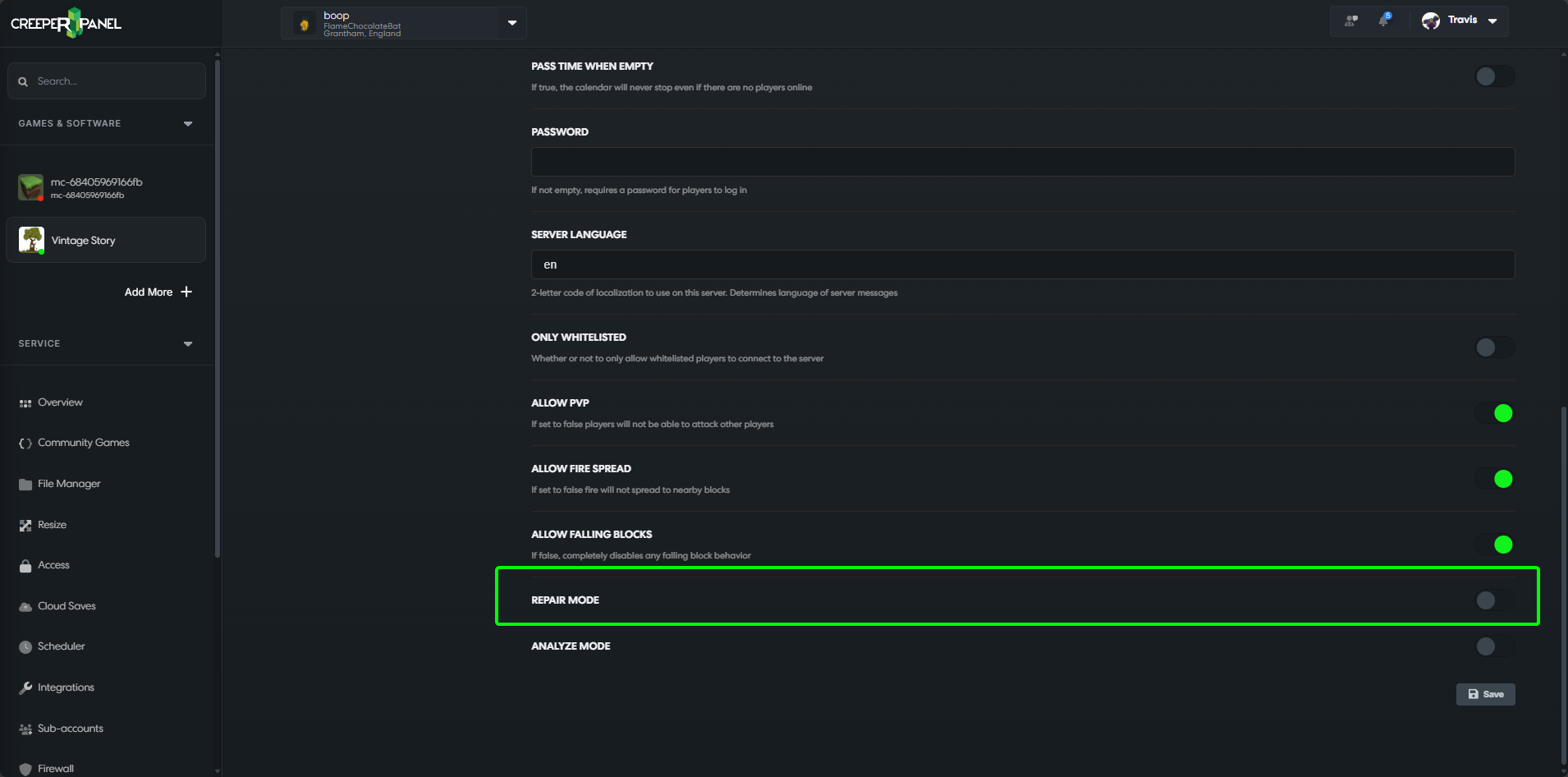
-
Enable
Repair World.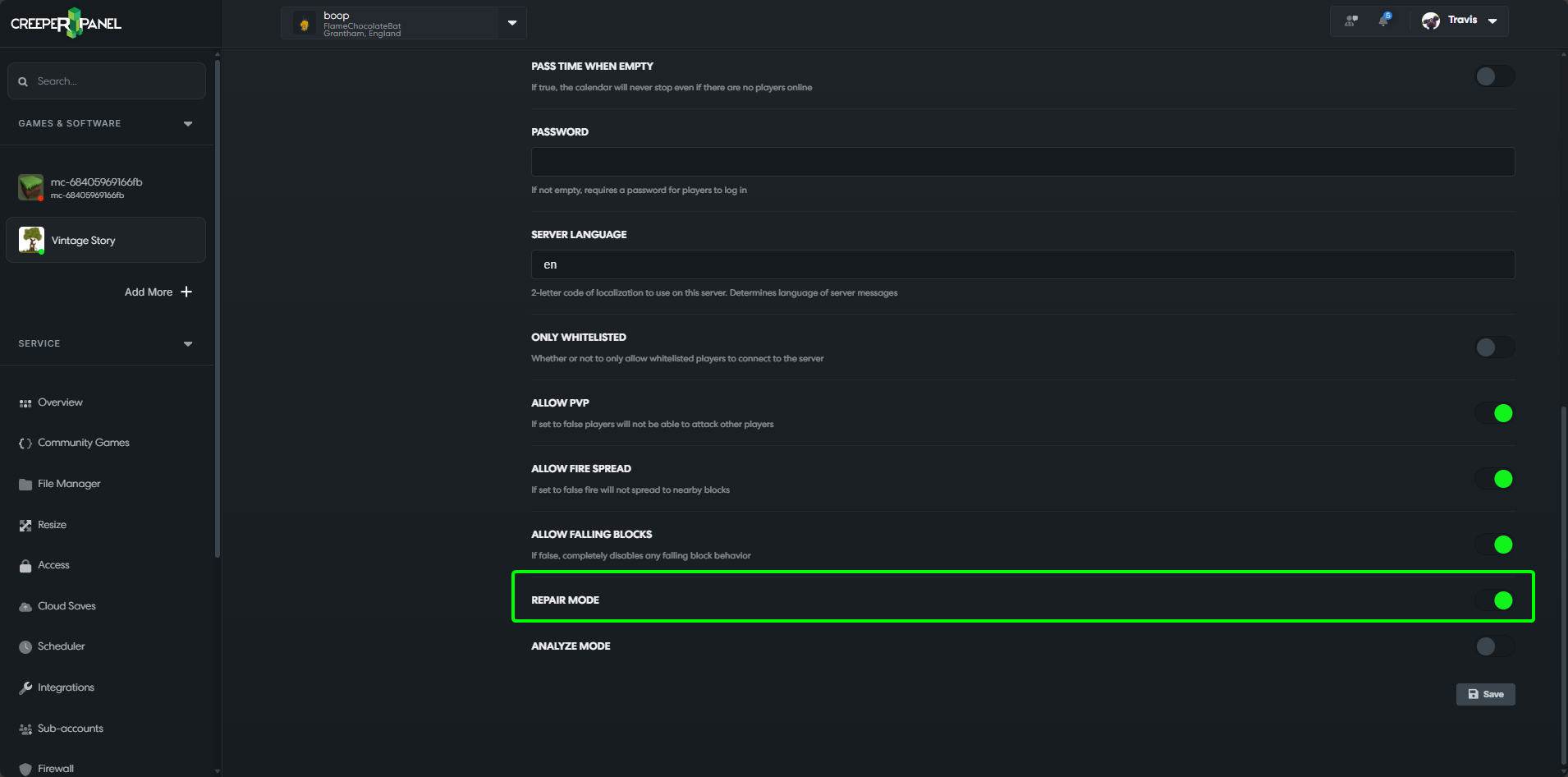
-
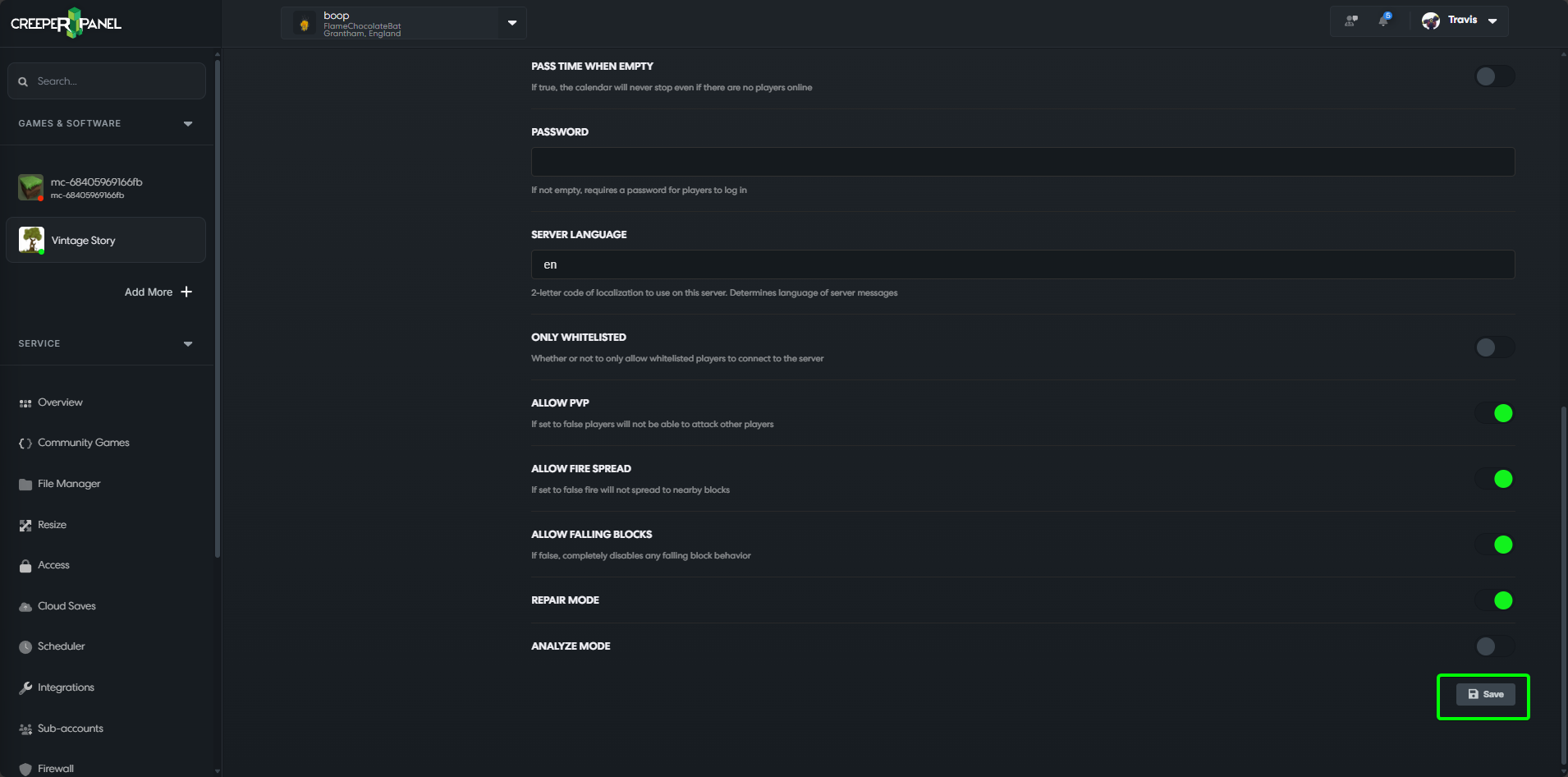
Save your changes.
-
Start your server back up.
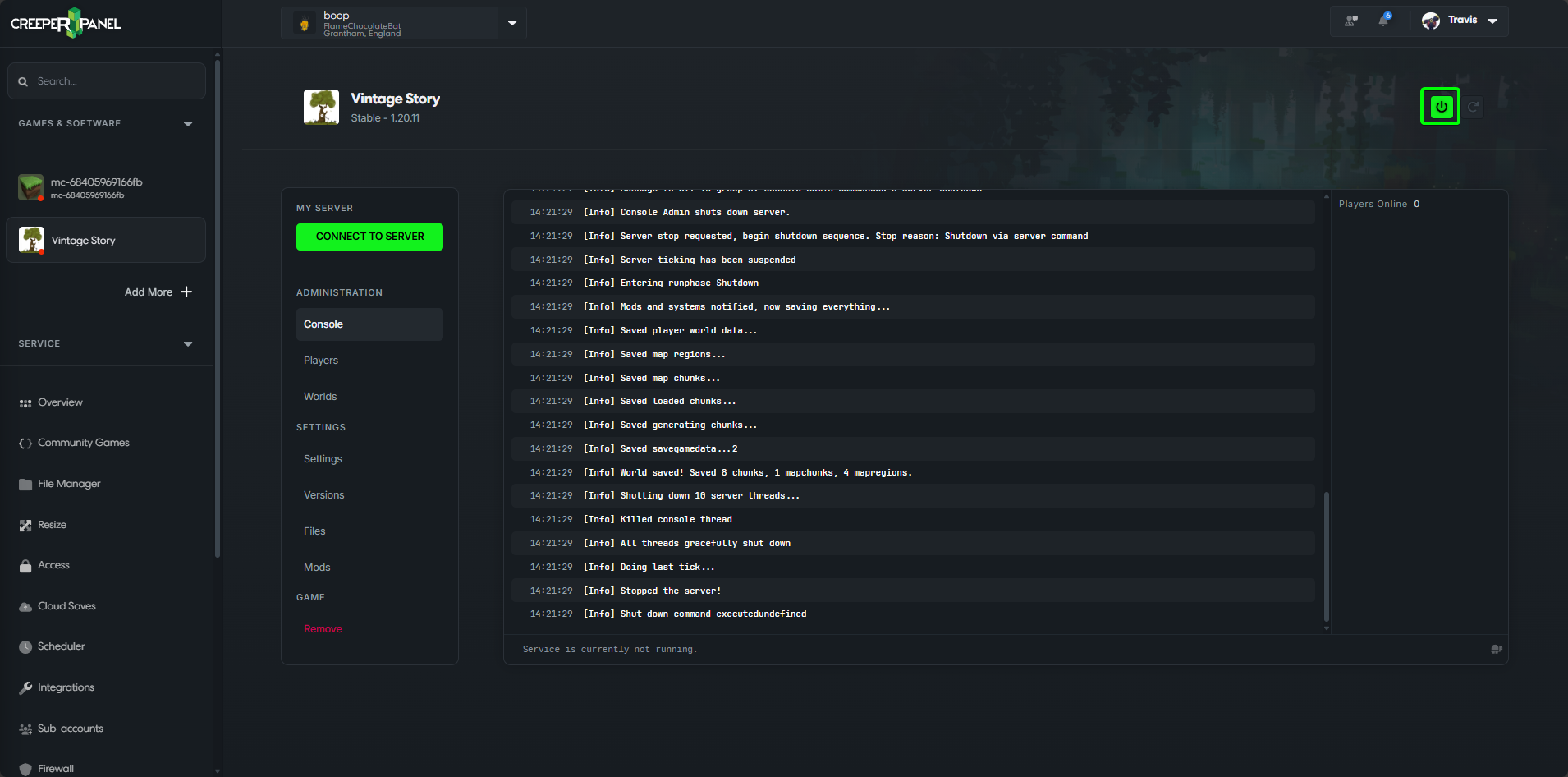
That's it; your server will now start back up and attempt to repair any corrupted world data.